


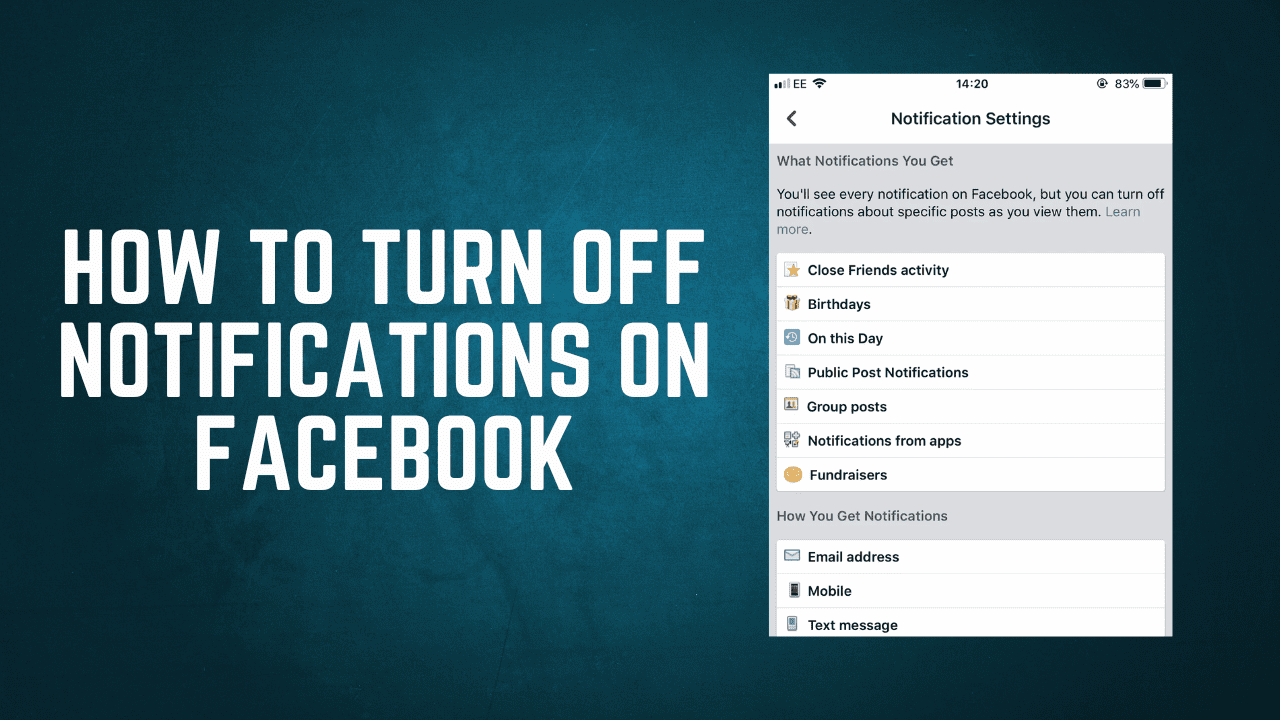
How to turn off notifications on Facebook

Lost your password? Please enter your email address. You will receive a link and will create a new password via email.
Please briefly explain why you feel this question should be reported.
Please briefly explain why you feel this answer should be reported.
Please briefly explain why you feel this user should be reported.
To turn off notifications on Facebook, you can adjust your notification settings using either the Facebook website or the mobile app. Here's how to do it: On Desktop (Facebook Website): Log In to Facebook: Open your preferred web browser and go to www.facebook.com. Log in to your Facebook account ifRead more
To turn off notifications on Facebook, you can adjust your notification settings using either the Facebook website or the mobile app. Here’s how to do it:
On Desktop (Facebook Website):
On Mobile (iOS/Android App):
- Open the Facebook App:
- Launch the Facebook app on your mobile device.
- Log In:
- Log in to your Facebook account if you’re not already logged in.
- Access Settings & Privacy:
- Tap the three horizontal lines (the “hamburger” menu) in the bottom-right corner to open the menu.
- Go to Settings & Privacy:
- Under the “Settings & Privacy” section, tap on “Settings.”
- Access Notification Settings:
- Scroll down and tap “Notifications.”
- Customize Notifications:
- You’ll see various notification categories that you can customize.
- Tap on a category to adjust the notification settings within it.
- Adjust Notification Preferences:
- Customize your notification preferences for each category by toggling switches or adjusting settings.
- Save Changes:
- After making your changes, tap the “Save” button to save your notification settings.
See less