Sign In Sign In

Continue with Google
or use

Forgot Password?

Don't have account, Sign Up Here

Forgot Password Forgot Password

Lost your password? Please enter your email address. You will receive a link and will create a new password via email.

Have an account? Sign In Now

Sorry, you do not have permission to ask a question, You must login to ask a question.

Continue with Google
or use

Forgot Password?

Need An Account, Sign Up Here

Please briefly explain why you feel this question should be reported.

Please briefly explain why you feel this answer should be reported.

Please briefly explain why you feel this user should be reported.

Sign InSign Up

Nuq4

Nuq4 Logo Nuq4 Logo
Search
Ask A Question

Mobile menu

Close
Ask a Question
  • Nuq4 Shop
  • Become a Member

Social Media

Share
  • Facebook
1 Follower
7 Answers
212 Questions
  • Recent Questions
  • Most Answered
  • No Answers
  • Most Visited
  • Most Voted

Nuq4 Latest Questions

  • 0
Clara
In: make money, TikTok

tiktok how to make money

  • 0
  • 0 Answers
Answer
  • 0
Anuradha
In: YouTube

How long should YouTube videos be

  • 0
How long should YouTube videos be
  1. Isabella3
    Added an answer on September 22, 2023 at 5:33 am

    The ideal length for a YouTube video can vary depending on several factors, including your content, audience, and goals. However, here are some general guidelines to consider: Audience Engagement: The most important factor is to keep your audience engaged. This means your video should be as long asRead more

    The ideal length for a YouTube video can vary depending on several factors, including your content, audience, and goals. However, here are some general guidelines to consider:

    1. Audience Engagement: The most important factor is to keep your audience engaged. This means your video should be as long as necessary to deliver valuable content without becoming boring or repetitive. Attention spans vary, but many successful YouTube videos range from 7 to 15 minutes.
    2. Content Type: The type of content you create matters. Tutorials, educational content, and in-depth discussions often require longer videos to cover the topic thoroughly. On the other hand, entertainment, vlogs, and quick tips can be shorter.
    3. Audience Expectations: Consider what your target audience expects. If your viewers are accustomed to short, snappy content, they may lose interest in longer videos. Conversely, if your audience seeks in-depth information, they might prefer longer videos.
    4. Quality Over Length: Focus on the quality of your content rather than its length. Viewers are more likely to watch a longer video if it provides valuable insights, entertainment, or solutions to their problems.
    5. Initial Engagement: Grab your audience’s attention early in the video. If you fail to engage viewers in the first few minutes, they may click away regardless of the video’s length.
    6. Retention: Pay attention to audience retention metrics in YouTube Analytics. This will show you at what point viewers tend to drop off. Adjust your content accordingly to retain more viewers.
    7. Experimentation: Don’t be afraid to experiment with video length. Create videos of varying lengths and monitor their performance. Over time, you’ll gain insights into what works best for your channel.
    8. Series: Consider breaking down longer content into a series of shorter videos. This can encourage viewers to watch multiple videos in the series.
    9. Mobile Optimization: Many viewers watch YouTube on mobile devices, where shorter videos are often preferred. If your content caters to mobile users, shorter videos may be more effective.
    10. SEO Considerations: Longer videos can potentially rank better in YouTube search results. If you’re targeting specific keywords, longer videos may help with SEO.

    In summary, there’s no one-size-fits-all answer to the ideal video length for YouTube. Focus on providing value, engaging your audience, and monitoring performance metrics to find the right balance for your channel and content.

    See less
    • 0
    • Share
      Share
      • Share onFacebook
      • Share on Twitter
      • Share on LinkedIn
      • Share on WhatsApp
  • 1 Answer
Answer
  • 1
Claire
In: Netflix

What is the best new sci-fi movie on Netflix?

  • 1
  1. خالد
    Added an answer on November 14, 2023 at 1:57 am

    The best new sci-fi movie on Netflix is Space Sweepers. It is a South Korean film set in the year 2092, when the Earth has become uninhabitable and humans live in space colonies. The film follows a group of space junk collectors who discover a mysterious humanoid robot that could be the key to savinRead more

    The best new sci-fi movie on Netflix is Space Sweepers. It is a South Korean film set in the year 2092, when the Earth has become uninhabitable and humans live in space colonies. The film follows a group of space junk collectors who discover a mysterious humanoid robot that could be the key to saving humanity.
    Space Sweepers (2021) - IMDb

    Space Sweepers is a visually stunning film with exciting action sequences and a compelling story. It is also a thought-provoking film that explores themes of social inequality, environmental destruction, and the meaning of humanity.

    See less
    • 0
    • Share
      Share
      • Share onFacebook
      • Share on Twitter
      • Share on LinkedIn
      • Share on WhatsApp
  • 1 Answer
Answer
  • 0
Maya
In: make money, YouTube

how to make money from home youtube

  • 0
  • 0 Answers
Answer
  • 0
Claire
In: Amazon Prime Video

What is the best new thriller movie on Amazon Prime Video?

  • 0
  1. خالد
    Added an answer on November 14, 2023 at 1:58 am

    The best new thriller movie on Amazon Prime Video is Night Teeth. It is a stylish and suspenseful film about a college student who is hired to drive two mysterious young women to a series of parties across Los Angeles. However, he soon realizes that his passengers are not who they seem, and he findsRead more

    The best new thriller movie on Amazon Prime Video is Night Teeth. It is a stylish and suspenseful film about a college student who is hired to drive two mysterious young women to a series of parties across Los Angeles. However, he soon realizes that his passengers are not who they seem, and he finds himself caught up in a dangerous game of cat and mouse.

    Night Teeth (2021) - IMDb

    Night Teeth is a well-crafted thriller with a strong cast and a gripping plot. It is also visually stunning, with neon-lit streets and lavish parties. If you are a fan of thrillers, then I highly recommend checking out Night Teeth on Amazon Prime Video.

    See less
    • 0
    • Share
      Share
      • Share onFacebook
      • Share on Twitter
      • Share on LinkedIn
      • Share on WhatsApp
  • 1 Answer
Answer
  • 0
Anuradha
In: Facebook

How to report a Facebook profile

  • 0
How to report a Facebook profile
  1. Ava
    Added an answer on September 18, 2023 at 1:23 pm

    To report a Facebook profile, follow these steps: Go to the Profile: Navigate to the Facebook profile that you want to report. Click the "More" Tab: On the person's cover photo, you'll find a "More" tab represented by three dots. Click on it. Select "Find support or report profile": A drop-down menuRead more

    To report a Facebook profile, follow these steps:

    1. Go to the Profile: Navigate to the Facebook profile that you want to report.
    2. Click the “More” Tab: On the person’s cover photo, you’ll find a “More” tab represented by three dots. Click on it.
    3. Select “Find support or report profile”: A drop-down menu will appear. Choose the option that says “Find support or report profile” and click on it.
    4. Choose the Reason for Reporting:
      • Facebook will provide you with a list of options for why you want to report the profile. Common reasons include harassment, impersonation, hate speech, or a fake account. Select the one that best fits your situation.
    5. Follow On-Screen Instructions: Depending on the reason you select, Facebook will provide specific instructions to help you report the profile. Follow these instructions carefully.
    6. Submit Your Report: After providing the necessary information and details, click the “Submit” or “Send” button to report the profile.
    7. Review Confirmation: You should receive a confirmation message indicating that your report has been submitted. Facebook will review your report, and if they find that the profile violates their policies, appropriate action will be taken.

    Remember that reporting a Facebook profile should be done for legitimate reasons, such as harassment, impersonation, or other violations of Facebook’s Community Standards. Misusing the reporting system can have consequences for your own account.

    See less
    • 0
    • Share
      Share
      • Share onFacebook
      • Share on Twitter
      • Share on LinkedIn
      • Share on WhatsApp
  • 1 Answer
Answer
  • 0
Claire
In: Amazon Prime Video

What is the best new documentary on Amazon Prime Video?

  • 0
  1. خالد
    Added an answer on November 14, 2023 at 2:22 am

    The best new documentary on Amazon Prime Video in 2023 is Lucy and Desi. It is a comprehensive and intimate look at the lives and careers of Lucille Ball and Desi Arnaz, the iconic stars of the classic sitcom I Love Lucy. Here are some other great new documentaries on Amazon Prime Video in 2023: TheRead more

    The best new documentary on Amazon Prime Video in 2023 is Lucy and Desi. It is a comprehensive and intimate look at the lives and careers of Lucille Ball and Desi Arnaz, the iconic stars of the classic sitcom I Love Lucy.

    Lucy and Desi (2022) - IMDb

    Here are some other great new documentaries on Amazon Prime Video in 2023:

    • The Beanie Bubble
    • Little White Lie
    • Horror in the High Desert
    • Judy Blume Forever
    • Jasper Mall
    • Wildcat
    See less
    • 0
    • Share
      Share
      • Share onFacebook
      • Share on Twitter
      • Share on LinkedIn
      • Share on WhatsApp
  • 1 Answer
Answer
  • 0
Claire
In: Hulu

What is the best new thriller movie on Hulu?

  • 0
  1. خالد
    Added an answer on November 14, 2023 at 2:04 am

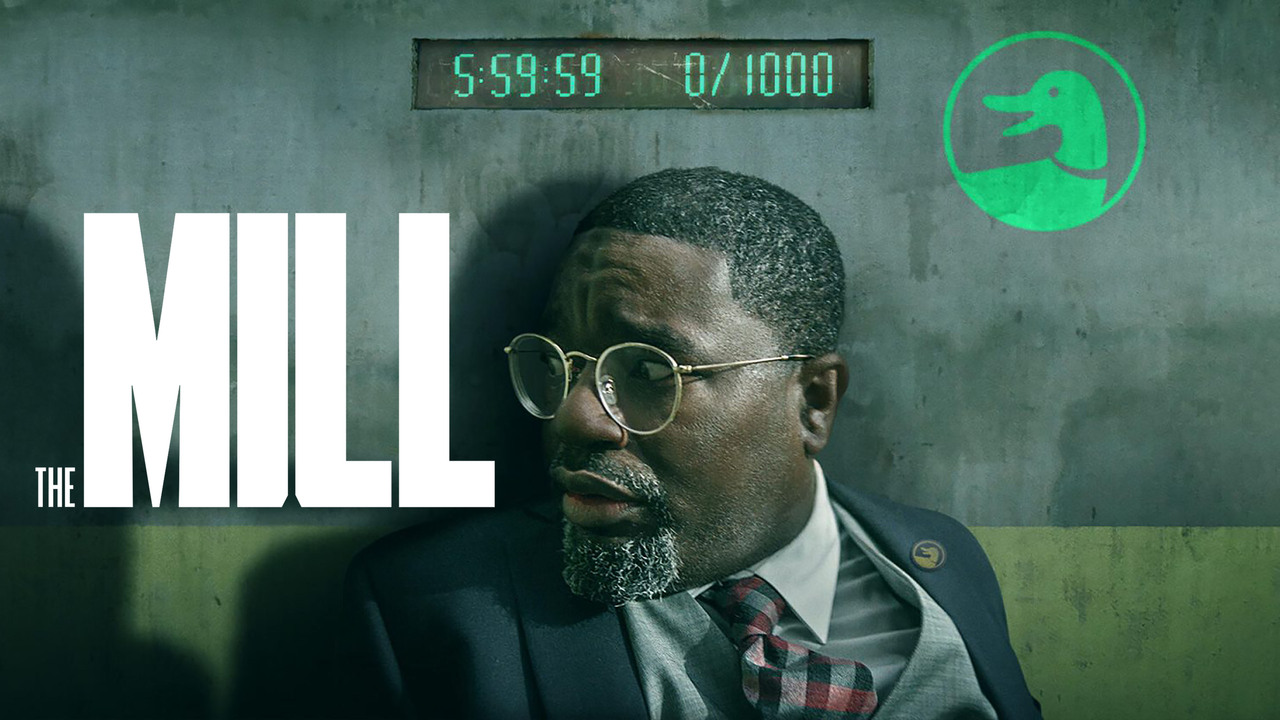
    The best new thriller movie on Hulu is The Mill. It is a gripping and suspenseful film about a man who finds himself trapped in a mysterious mill with a terrifying secret.

    The best new thriller movie on Hulu is The Mill. It is a gripping and suspenseful film about a man who finds himself trapped in a mysterious mill with a terrifying secret.

    The Mill - Hulu Movie - Where To Watch

    See less
    • 0
    • Share
      Share
      • Share onFacebook
      • Share on Twitter
      • Share on LinkedIn
      • Share on WhatsApp
  • 1 Answer
Answer
  • 0
Anuradha
In: YouTube

How to add captions on YouTube

  • 0
How to add captions on YouTube
  1. Isabella3
    Added an answer on September 22, 2023 at 5:34 am

    Adding captions, also known as subtitles, to your YouTube videos is an essential step to make your content more accessible to a broader audience and improve SEO. Here's how to add captions to your YouTube videos: Method 1: Use YouTube's Auto-generated Captions (For English and Other Supported LanguaRead more

    Adding captions, also known as subtitles, to your YouTube videos is an essential step to make your content more accessible to a broader audience and improve SEO. Here’s how to add captions to your YouTube videos:

    Method 1: Use YouTube’s Auto-generated Captions (For English and Other Supported Languages)

    1. Upload Your Video: Log in to your YouTube account and upload the video you want to add captions to.
    2. Wait for Auto-generating: After your video is uploaded and processed, YouTube’s automatic speech recognition technology will attempt to generate captions. This process may take some time, and the accuracy of auto-generated captions can vary.
    3. Review and Edit: Once the captions are generated, you should review and edit them for accuracy. To do this:
      • Go to your Video Manager.
      • Find the video you want to edit and click the drop-down menu next to “Edit.”
      • Select “Subtitles/CC.”
      • Click on the language you want to edit.
      • Review and edit the captions in the editor.
    4. Save Changes: After editing, click the “Publish” or “Save Changes” button to save your edited captions.

    Method 2: Upload Your Own Captions (For All Languages)

    If you have caption files in various formats like .srt, .vtt, or .sbv, you can upload them directly to your YouTube videos. Here’s how:

    1. Upload Your Video: Upload your video to YouTube if you haven’t already.
    2. Go to Video Manager: After uploading, go to your Video Manager.
    3. Edit Video Details: Find the video you want to add captions to and click the drop-down menu next to “Edit.”
    4. Select “Subtitles/CC”: From the menu, select “Subtitles/CC.”
    5. Add New Subtitles or CC: Click the “Add new subtitles or CC” button.
    6. Choose the Language: Select the language for your captions.
    7. Choose Upload Method: You’ll have two options:
      • Upload a file: If you have caption files in .srt, .vtt, .sbv, or .sub format, choose this option.
      • Create new subtitles or CC: If you want to manually enter captions, choose this option.
    8. Upload or Enter Captions: Depending on your choice, either upload your caption file or manually enter captions for your video.
    9. Save Changes: Click the “Publish” or “Save Changes” button to add your captions.
    10. Verify and Edit: Review your captions for accuracy after they’re added. You can always go back to the “Subtitles/CC” section to edit or remove captions.

    Remember to make your videos more accessible by providing accurate captions. This not only helps viewers with hearing impairments but also improves your video’s reach and SEO ranking.

    See less
    • 0
    • Share
      Share
      • Share onFacebook
      • Share on Twitter
      • Share on LinkedIn
      • Share on WhatsApp
  • 1 Answer
Answer
  • 0
Wahab SaeedResearcher
In: Business, TikTok

tiktok business vs creator account

  • 0
  • 0 Answers
Answer

Sidebar

[the_ad_group id="2732"]

[the_ad id="17089"]

Explore

  • Nuq4 Shop
  • Become a Member

Footer

Get answers to all your questions, big or small, on Nuq4.com. Our database is constantly growing, so you can always find the information you need.

Download Android App

© Copyright 2024, Nuq4.com

Legal

Terms and Conditions
Privacy Policy
Cookie Policy
DMCA Policy
Payment Rules
Refund Policy
Nuq4 Giveaway Terms and Conditions

Contact

Contact Us
Chat on Telegram
We use cookies to ensure that we give you the best experience on our website. If you continue to use this site we will assume that you are happy with it.